
Name-Based Case Searches
Know the court before you search by name. The Hamilton County Clerk links to a Tyler portal. It covers County Court criminal, probate, and county civil files. The Hamilton County District Clerk holds those files, serving the 220th Judicial District Court. A statewide option exists too. Open re:SearchTX from there. Narrow the location to Hamilton County, then choose a case category or type. A common name without those limits can pull unrelated records from across Texas.
Wildcards are permitted with party, attorney, and judicial-officer names. Type the last name plus enough of the first to separate likely matches. Then compare the court, filed date, case type, and party role before opening a result. A name match alone proves nothing.
- Read the court name on the notice, citation, or filed paper.
- Choose the County Clerk portal, District Clerk route, or re:SearchTX.
- Enter the party name and narrow by Hamilton County, court, and case type.
- Compare the cause number, filing date, and party role before reading the docket.
| Field Label | Type | Required | Notes |
|---|---|---|---|
| Search mode | Control | Not stated | Cases or Hearings |
| Party name | Text | Optional | The official guide supports the * wildcard |
| Location | Filter | Optional | Select Hamilton County when available |
| Category and type | Filter | Optional | Options depend on live statewide data |
Hamilton County Tyler Search Paths
The county-linked Tyler landing page is official but spare. It publishes no stable list of search fields, so some exploring is normal. County Clerk and District Clerk records have different keepers. A portal can fail while the clerk still holds the record, so patience pays off here. Use the official Tyler public portal. A copied third-party address is a trap.
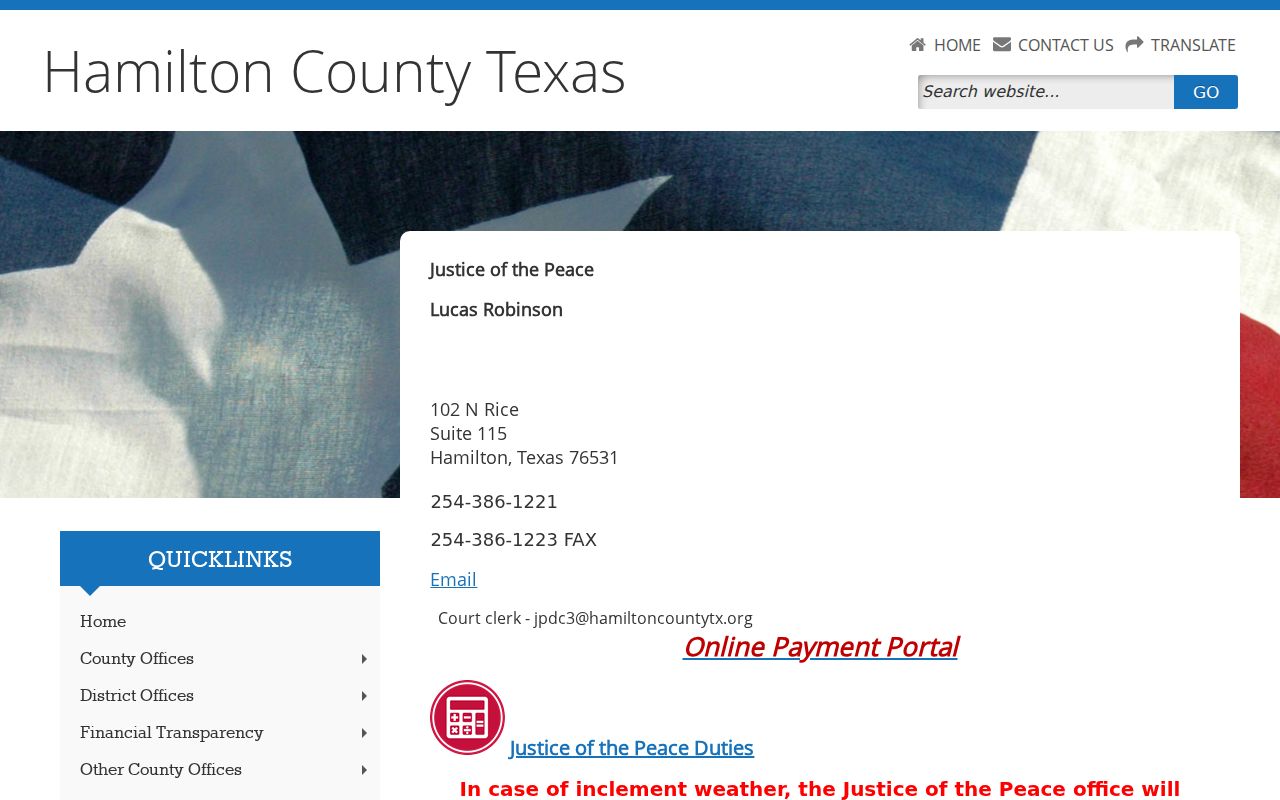
Justice matters take a separate road through the Hamilton County Justice of the Peace page. That office sits at 102 N Rice Street, Suite 115, Hamilton, and answers at (254) 386-1221. A municipal ticket goes to the city court named on the paper. That is why one search can be empty. The Justice Court page shows that office and its payment route.
Reach for it when the paperwork names Justice Court instead of County or District Court. The county violations search shows its search tabs and fields.
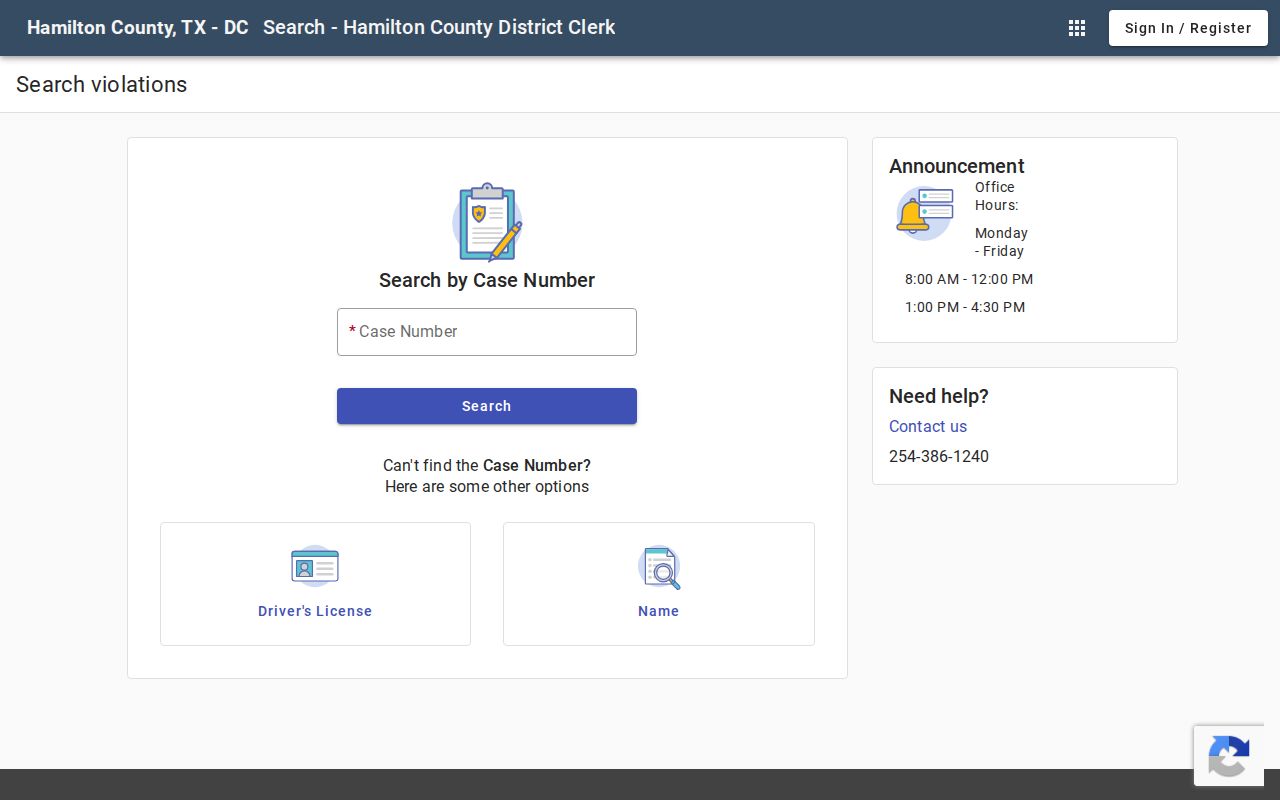
Its citation focus means it is not a universal Hamilton County docket.
Case Number Searches
A full cause number is the strongest search key, because it pins the query to one court and filing sequence. Official Hamilton County PDFs show the pattern: 24-097-CCCR-00063 in County Court criminal, 24-097-DCCR-00010 in district criminal, 25-097-DCCV-00004 in district civil, and 23-097-DCFAM-00013 in family. Here 097 marks the county code. The letter group signals the court or case family.
Type the whole number, hyphens included. Those samples are illustrations, not a clerk codebook. An older official file bears the style CR08560. A rejected number may simply be legacy formatting. Copy the number from the newest notice, and ask the right clerk if the public interface refuses it.
Reading Hamilton County Search Sources
The statewide pool runs wider than a posted local PDF. A case description may list parties, attorneys, judicial officers, filings, documents, and hearings. Sort by newest filing, oldest filing, or case number. Exports are possible too. A Hamilton County docket PDF is often a dated session list rather than the full event history. The Tyler portal access page documents the local route.
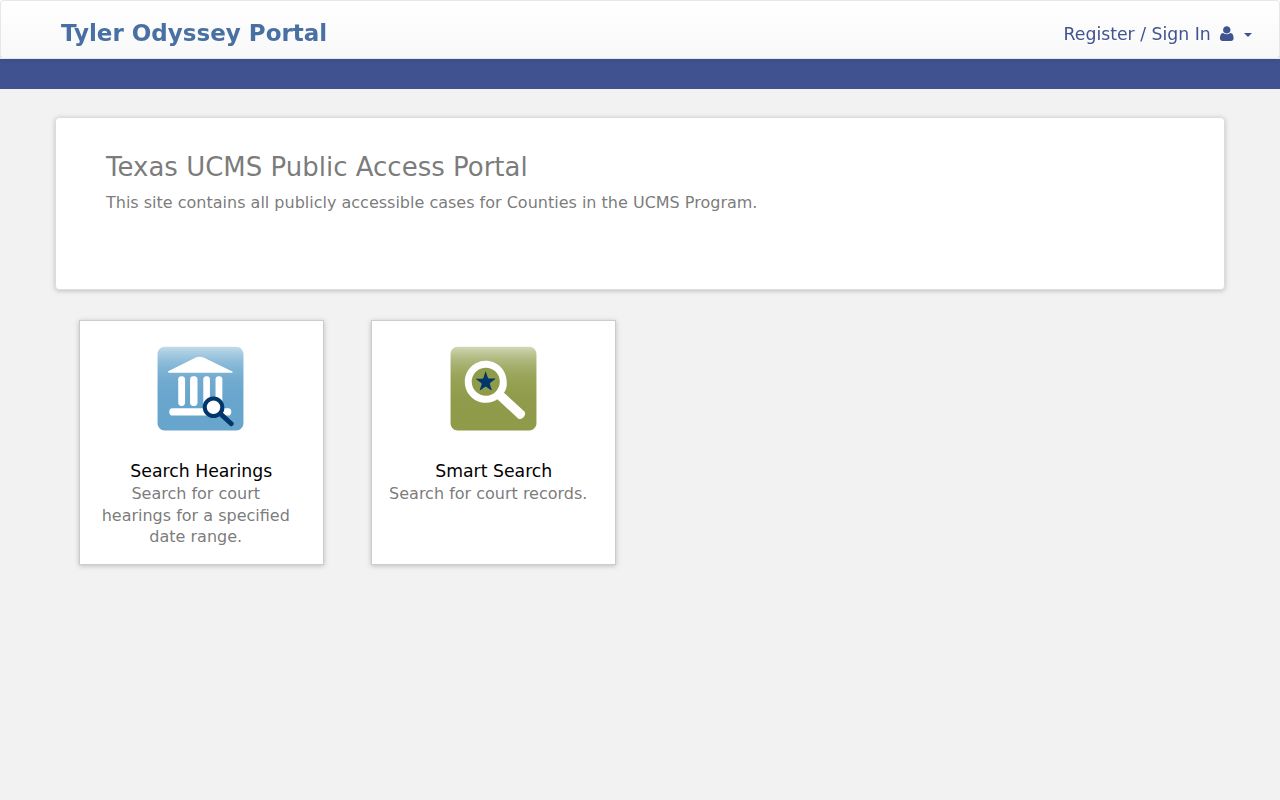
If the file is missing, go straight to the County Clerk or District Clerk. That office is the authoritative fallback for the Hamilton County court docket.
Case Search Results Explained
Read each field in context. “Disposed” means the court recorded an outcome, though it does not state what that outcome was. A hearing entry marks a setting, and it may be reset later. A document link can require an account or fee.
| Case number | The court identifier and best match key. |
|---|---|
| Case type | Criminal, civil, family, probate, or another category. |
| Parties and roles | The caption plus plaintiff, defendant, petitioner, or respondent roles. |
| Filed date and status | When the case began and whether it is pending or disposed. |
| Filings and hearings | Events and settings, subject to access limits. |
A screen is not a certified copy. When you need an exact filing or clerk authentication, take the Hamilton County court case records route instead.
Hamilton County Hearing Searches
re:SearchTX splits its results into Cases and Hearings. Hearing mode helps when a date is the goal. Hamilton County also posts County Clerk and District Clerk calendars. Filter the 220th District Court calendar to Hamilton, not Bosque or Comanche. Those calendars show events, not a full register of party names. The statewide search source shows the state access point.
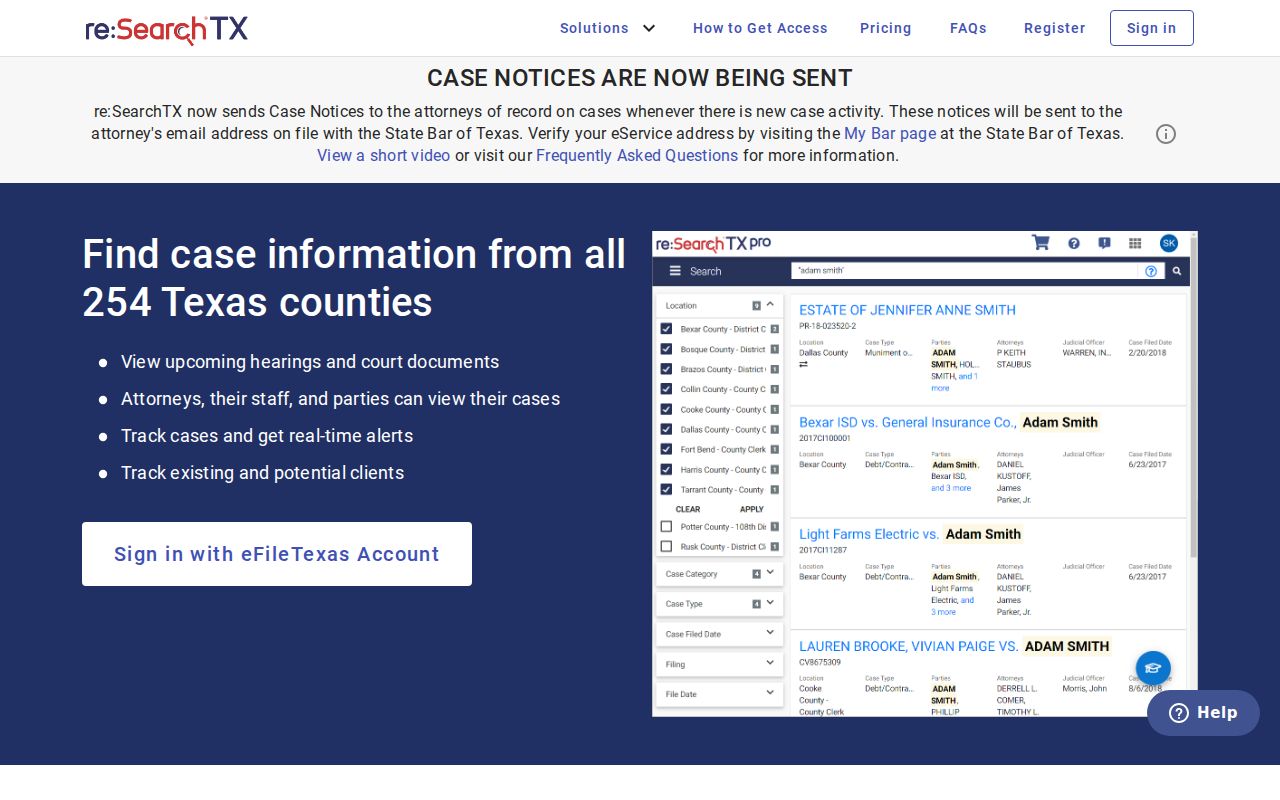
Confirm dates with the newest notice, clerk, or coordinator.
Two Ways to Search: County and State
The two tools answer different needs. A known Hamilton County case should start with the office tied to its court. The statewide system shines when the county is unclear, when a hearing is the only clue, or when one name appears in several Texas spots. Neither route promises every protected filing image.
| Point | Hamilton County route | re:SearchTX |
|---|---|---|
| Best fact | Known court or cause number | Name, case, or hearing |
| Coverage | Selected clerk or lower court | Statewide electronic layer |
| Depth | Portal, calendar, PDF, or clerk file | Shell, filings, documents, hearings as available |
| Fallback | Phone, counter, email, or written request | Return to local custodian |
Missing Hamilton County Cases
A blank result is rarely the end of the story. The case might sit in a city court. Or it could rest with a justice of the peace. It may be newly filed and not yet loaded into the county's system. It may carry an older number style. Paper-only files exist too. One missing session PDF proves nothing about the whole Hamilton County docket. The county publishes no set refresh or digitization schedule, so patience helps.
When the online trail runs cold, go straight to the source. The District Clerk takes judicial case-record requests through a written form. Email the office at districtclerk@hamiltoncountytx.gov or call (254) 386-1240. One directory lists (254) 386-1241 as well, so confirm which line works. Give the form two business days. Ask the clerk about page counts and fees before you expect copies.
Stop broad searching: State the court, full cause number, party role, date range, and needed document in a precise request.
Which Cases Stay Restricted
Not every Hamilton County court record is open to the public. Texas Family Code Section 58.007 keeps juvenile matters confidential in many situations. Texas Rule of Civil Procedure 76a controls sealed civil material. Rule 21c requires sensitive data to be redacted before filing. Family, child-protection, expunged, or sealed cases may show only a bare shell entry. Or they show nothing at all in a docket search.
Role and document status can shape electronic access as well. A search form may ask for identifying details. Yet those answers stay private rather than joining the public record. And an empty screen is never a legal ruling of any kind. Ask the clerk what may be disclosed and what steps apply.
Hamilton County Search-to-Request Handoff
A docket search has finished its work when it hands you four things: the court, the cause number, the case type, and a likely filing date. Stop there if the document image is not public. More sweeping searches will not unlock it. Instead, move to a request. County Court records go through the County Clerk. Records of the 220th District Court go through the District Clerk's written form, sent by email, mail, or in person at the counter.
That handoff also guards against errors. Statewide databases can trail behind a fresh local filing, and a dated PDF captures just one hearing list from one day. A clerk request can pull the actual paper behind the entry, whether a signed order, a petition, or a judgment. Say whether you need a plain or certified copy. Ask for the page count and confirm the current cost before you pay.